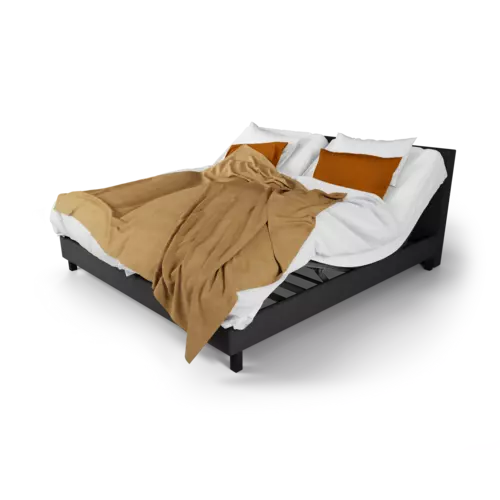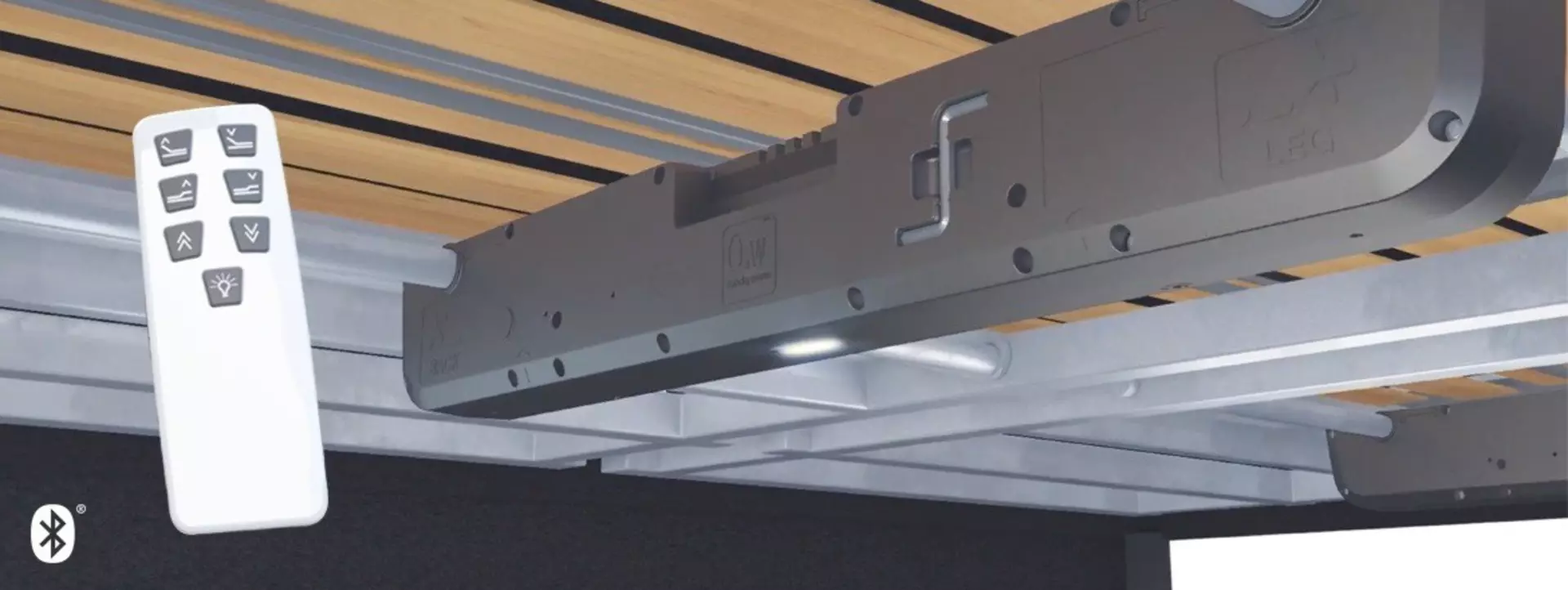
L'appairage d'une télécommande LINAK, d'un smartphone ou d'une tablette avec un système TD4 via le Bluetooth® est extrêmement facile.
Qu'il s'agisse d'un TD4 Standard ou TD4 Advancedvous pouvez appairer vos télécommandes Bluetooth® associées en deux étapes simples. Tout d'abord, connectez le TD4 à l'alimentation secteur, dès lors celui-ci passe en mode appairage pendant trois minutes (veilleuse clignotante). Prenez ensuite n'importe quelle télécommande LINAK Bluetooth® et pressez les deux touches du buste simultanément. Lorsque que la veilleuse se met à clignoter longuement, le lit de relaxation et la télécommande sont appairés. La procédure est d'une simplicité enfantine.
Cela semble-t-il trop beau pour être vrai? Voyez-le de vos propres yeux dans la vidéo ci-dessous.
See the full Bed Control™ App user manual guide for pairing here
Pairing a bed with a smartphone/tablet
LINAK also has a Bed Control App (iOS and Android) allowing users to pair the TD4 or TD5 dual actuator with their smartphone or tablet. Pairing your dual actuator system with such devices is just as easy. Step 1 is identical with the one mentioned above. Connect your actuator system to the power mains. Then activate Bluetooth® on your phone/tablet and open the LINAK Bed Control App and a “search-bed” page will be displayed. A list of active LINAK Bluetooth® applications nearby will be shown. Find your TD4/TD5 system (e.g. BED 1234) in the list and tap it. The phone/tablet is now connected.
If the customer wants to pair more than one hand control or more than one smartphone/tablet, it is equally as easy. Just repeat the process. Enjoy!
You can find more information about TD4 Standard, TD4 Advanced, TD5 Standard or TD5 Advanced as well as any of the comfort bed hand controls, or the LINAK Bed Control Apps, on this website. Otherwise, do not hesitate to contact your local LINAK office.